Can one Pixel be your work phone and your personal phone?
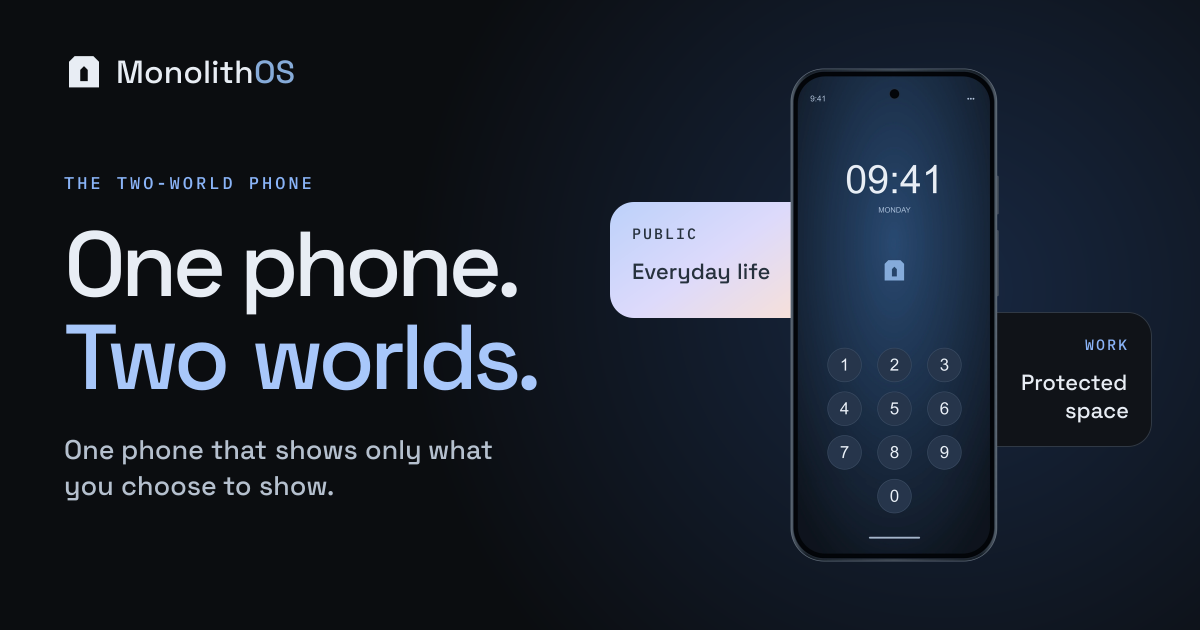
Yes. With MonolithOS, one Pixel holds two separate Android users called Public and Work. Your PIN opens the space you want. You carry one phone, while your mailboxes, apps and everyday screen can stay separate.
How it works
- Choose the everyday accounts you want in Public.
- Set up private apps and accounts in Work.
- Use the same lock screen to open either space, then try a handover in Public.
When a second phone feels like the only answer
Think about the last time you wished you had another handset. Perhaps you opened your photo library to show someone a picture, only to see a preview from a project chat. Or you wanted to read a personal message without opening the practice mailbox again. Write down what you wanted to keep separate. If it was a screen, an account or a set of documents, two spaces can help. If it was a spare battery, a separate radio or a device you can leave in another place, those are reasons to keep a second handset.
Choose what goes in Public
Start with the things you reach for when another person is beside you. Maps for directions. A playlist for the car. A boarding pass at the gate. Give those apps the accounts you want to have available in Public. If a project mailbox is already signed into your everyday mail app, setting up Work won’t move that mailbox for you. Decide where each account belongs before you begin.
Give a project its own home
In Work, set up the apps that belong together. A client invitation might need your calendar, meeting app and document viewer. Keeping all three in one space means you can go from the invitation to the meeting notes without copying a link into your personal inbox. You can install a copy of the same messenger in each space. Choose distinct accounts if you want different conversations.
Think about the service as well as the screen
A photo you save in Work stays in the Work gallery. If you send that photo to a colleague, they receive their own copy. Closing Work locks the file on your Pixel.
A handover you can try at home
A family member wants to pick a song while you cook. Finish your work conversation, open Public and pass over the playlist. Work messaging apps stop when Work closes and receive waiting messages the next time you open it. The person holding the phone can still use whatever you made available in Public, so choose a family photo library and music account you are comfortable sharing. Try it with a harmless message first. There is no need to change your whole routine to see whether the separation suits you.
Decide whether one phone is enough
Include the handset you already own in the comparison. If both devices are paid for and one stays at the office, keeping them may suit you. If you charge both every night and carry them to the same meetings, try writing down a day’s tasks in two columns, Public and Work. Check whether any task actually requires independent hardware. The guides below cover practical examples from family sharing to reporting and travel.
Common questions
Do I need a second SIM for Work?
Public and Work are separate Android users on the same handset. Setting up another space does not require buying a second SIM. A messenger, employer or other online service may have its own account registration rules, including a phone number you can verify.
Will the same apps be available in both spaces?
You can install an app in Public, in Work, or in both. For example, you can use the same email app in both spaces and sign in to your personal inbox in Public and your project inbox in Work.
Which space do I hand to someone else?
Open Public when you want to share your everyday apps. Remember that the person holding unlocked Public can open other apps there too. Choose the contents of Public around what you are comfortable sharing, from playlists and maps to a family photo library.
Can two spaces replace my backup phone?
They can simplify everyday account separation, but both depend on one handset. If you need a spare for a flat battery or a lost device, a second physical phone serves a different purpose.