Give them the phone, not your inbox
Your child wants to pick the next song. Your inbox can stay in Work while the whole family uses the playlist in Public.
How it works
- Put the music, maps and family photo accounts in Public.
- Open the private mailbox or messenger only in Work.
- Hand over Public and check the family can find what they need.
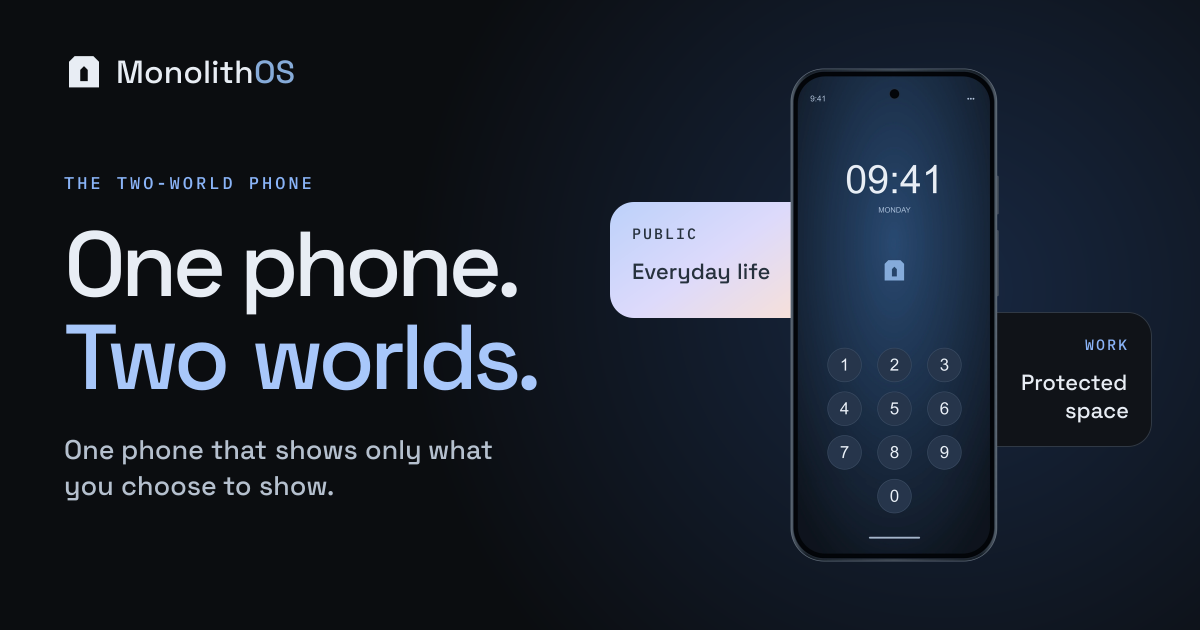
Hand over the playlist
Finish in Work, close it and open the music app in Public. The person holding the phone sees the accounts and apps you chose for Public.
Share the right photo library
Set up your family library in Public. Use a separate cloud account for private photos in Work if you want different online libraries too.
Try it with two accounts
Sign into a different account in each copy of a messenger. Open the Public inbox and check which conversations appear before handing over the phone.
Try a family handover before you need one
Use a quiet moment at home. Ask someone to find a song, open a family picture and switch back to the playlist in Public. Watch which accounts the apps open and whether the photo library includes older shared albums. If something appears that you did not intend to share, check the account or cloud library inside that Public app. The phone can feel familiar to the person borrowing it while you keep your private accounts in their own space. Repeat the check after you add a new photo account or change the apps your family uses.
Common questions
What if a private message arrives during a game?
While Work is closed, its messaging apps are stopped. They receive waiting messages when you open Work again. The game in Public shows no Work alerts.
Can someone browse the rest of Public?
Yes. A person holding unlocked Public can use the apps and accounts you made available there. Opening a playlist does not confine them to the music app. Choose the contents of Public with that in mind, particularly when you lend the phone for longer than a minute.
Can we share an album on purpose?
Yes. Put the family album in the Public photo app and keep any private library in a different account. If you share an individual picture into a family album, everyone who can access that album can see that copy. Closing Work leaves the shared album as you arranged it.