What Public and Work keep separate
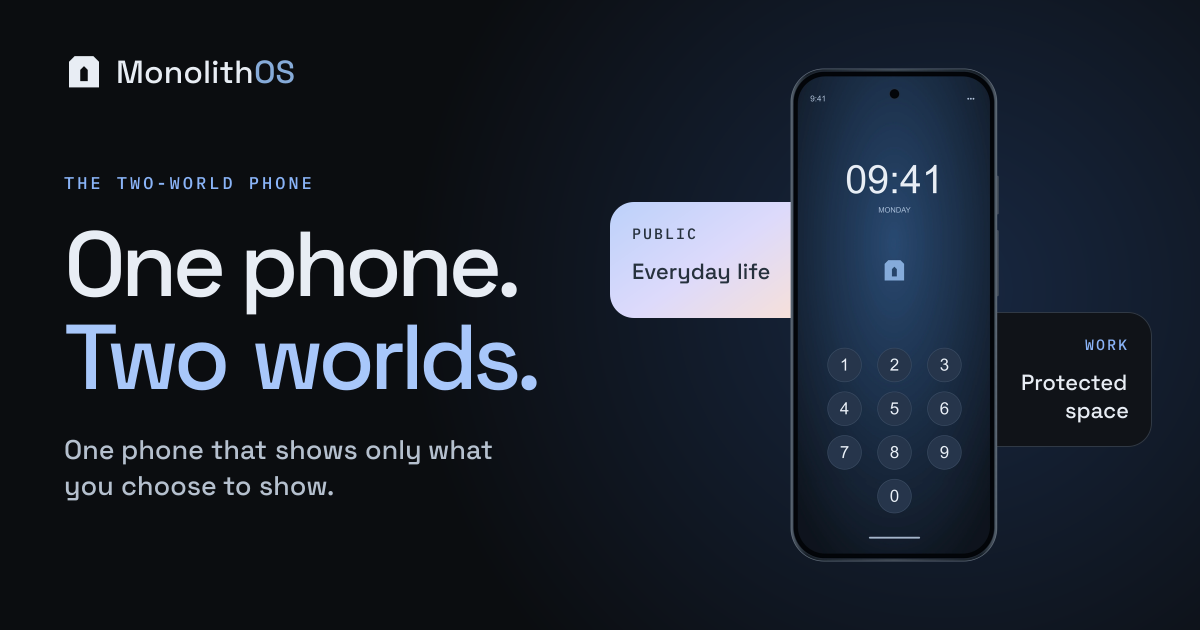
Public and Work help you choose what appears on your everyday screen and where apps keep their local files. Where a copy lives matters as much as the space where you first opened it.
How it works
- Check what an unlocked Public account can open.
- Check which files and messages have synced to an online service.
- Review which recipients already received a copy.
On the screen
Public has its own apps, recent activity and notifications. Anyone using unlocked Public can see what you keep in Public. The operating system manages both users.
In the cloud and with other people
Closing Work locks its local files. Cloud backups, sent attachments and recipients’ copies remain wherever they were saved.
On the network
Both spaces share a phone and its radios. Mobile carriers and online services can hold connection or account records. Separating apps on the device does not erase those records.
If the phone is lost
Both spaces go with the handset. A second environment is not a spare device or a backup.
Common questions
Can I see photos from one space in the other?
No. The Public gallery shows only Public photos. The Work gallery shows only Work photos.
Will closing Work clear a cloud backup?
Closing Work locks files on the device. Manage online copies with the service that holds them.
What can someone see in unlocked Public?
They can use the apps and accounts set up there.