How MonolithOS keeps Public and Work separate
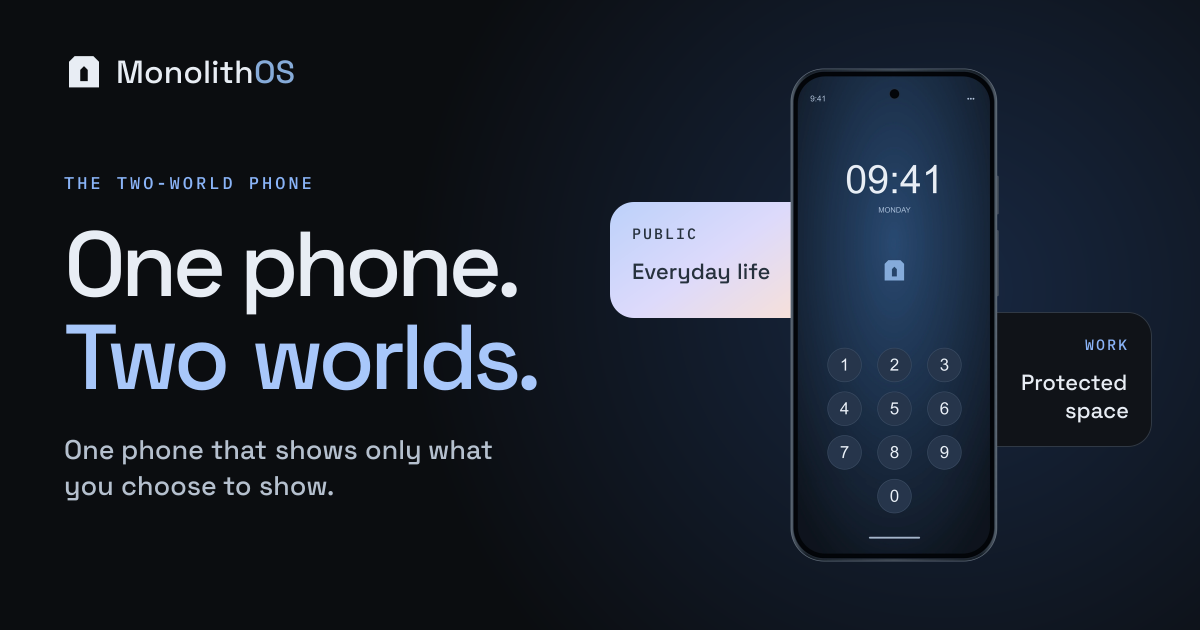
Public and Work are separate Android users on one GrapheneOS-based operating system. Each has its own app data and credential-encrypted files. Both share the phone’s hardware and system software.
How it works
- Consider what appears in unlocked Public.
- Keep private app data in Work and close the space when finished.
- Review any cloud accounts that hold copies outside the phone.
What Public can see
The lock screen has no profile switcher. Work notifications stay in Work, and opening a Work app leaves no entry in Public’s app usage history. The operating system itself manages both users and their installed apps.
When Work files lock
Closing Work stops its apps and returns the phone to Public. Closing Work finishes only once Work’s files are locked again. The next Work unlock makes those files available to its apps.
Who grants network and sensor access?
New Work apps start with Network and Sensors off. You can let a messenger connect while leaving access to motion sensors off. Camera and microphone permissions are separate choices.
The GrapheneOS foundation
Verified Boot checks the operating system as the phone starts. Hardware-backed keys help protect credentials, and the hardened memory allocator adds protection inside running processes. These protections underpin both spaces.
How OS updates arrive
MonolithOS follows GrapheneOS security releases. Monolith Updater receives signed OS updates from the MonolithOS update server and verifies them before installation. Check for regular security updates in Settings under System updates.
Common questions
What separates local files?
The Android user boundary and credential-encrypted storage separate the local files of Public and Work.
What happens to backed-up files?
Copies held by a service remain with that service when Work closes.
Do both spaces share hardware?
Yes. Public and Work run on the same Pixel, with the same battery and radios.