One phone for travel and work
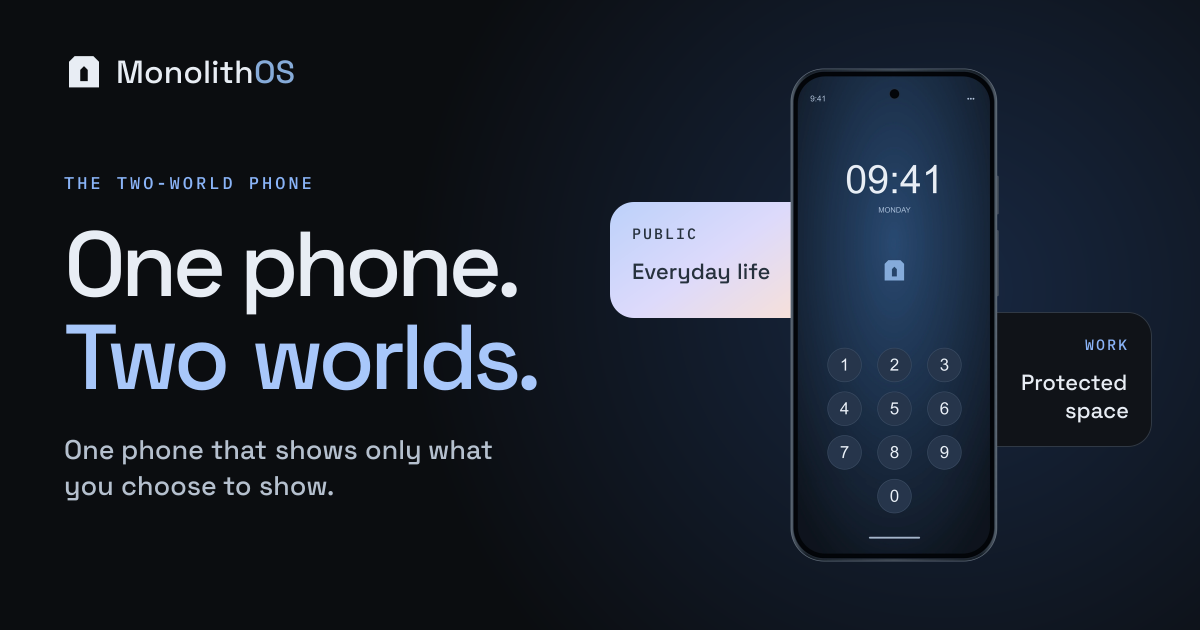
At a ticket counter, finding a boarding pass should take one tap. You decide what’s on the screen you hand over.
How it works
- Save the ticket or pass in Public where you expect to show it.
- Download a harmless project file in Work and open it offline.
- Switch back to Public and find the pass again before departure.
Before you leave
Save your boarding pass and maps in Public. Download the project files you’ll need in Work and check that they open offline.
At the counter
Open your pass in Public. Work-only messages stay out of that screen. Any email account also signed into Public can still show its own alerts.
Rehearse the handover
Before departure, turn on airplane mode and open the pass from Public. This checks that the pass is available on the device without opening your work mailbox.
Plan for a quiet hour without a connection
A train ticket and a presentation have different jobs. Save the ticket where you can open it at the gate, and keep the project documents where you will use them. Some booking apps need a connection even after you have opened a reservation. Test yours before leaving home. Make the same check for the document viewer in Work. A ticket you can open offline is a practical convenience whether you are taking a local train or starting a longer journey. Keep the return ticket handy too, especially if the booking app requires you to sign in again after a few days.
Common questions
Will both spaces have access to mobile data?
They share the phone’s mobile connection. Each app still needs the appropriate access to go online. A second space by itself does not give the phone a separate carrier subscription, additional reception or another battery. Check the roaming terms for the line you plan to use.
Do I need to remove Work to travel?
You can leave your project accounts in Work and use Public for the trip. Closing Work keeps its local files for later. Removing a space is a different action. Plan around the files and accounts you actually need rather than assuming they can be restored afterwards.
Can I keep a copy of the itinerary in each space?
Choose deliberately where the copies go. You might save a ticket in Public and leave the original booking email in a project mailbox in Work. Updating a downloaded ticket in one space might not update the other copy, so check which version you will show.