Want to hide apps on Android? Choose what stays in Public
To keep an app and its messages out of your everyday view, set it up in Work. Public has its own launcher, accounts and recent apps. A vault inside your everyday user is another choice when all you need to store is a few files.
How it works
- Decide which app account belongs in your private space.
- Set up the app inside Work and choose its online account.
- Open Public and check its launcher, notifications and recent apps.
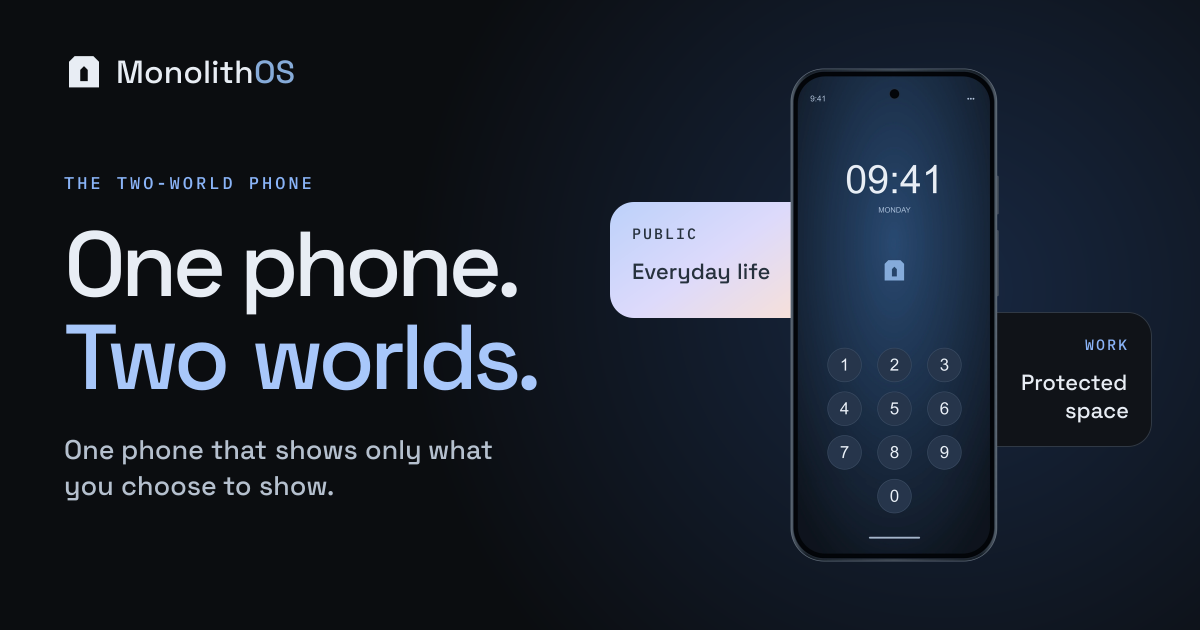
Where the data lives
A typical vault runs as an app inside your current Android user. Its name, icon and encryption features depend on the app. MonolithOS Work is a separate encrypted Android user with its own storage key.
Follow a document
Moving an attachment into a vault may leave the original message in your everyday mailbox. Open the mailbox and viewer in Work and both apps can keep their local data there. Copies at the mail service still follow its policies.
What shows in Public
Public has its own launcher and recent apps. Work apps and their notifications stay out of that view.
Common questions
Does hiding a launcher icon separate my accounts?
The launcher controls what you see on its home screen. Removing an icon alone leaves the app in the same Android user.
Where does the private copy of an app run?
A Work app runs under a separate Android user and has its own local files.
Can a vault still be useful?
Yes. If you only need to store a few documents, an app that meets your needs can be enough. A second space also separates the apps that open those documents.