Board material on the phone your kids borrow
The board pack arrives on the same phone your child borrows for music. You want to share the playlist and keep the meeting in its own space.
How it works
- Place the meeting invite and briefing in the same Work account.
- Check which calendar and photo accounts are open in Public.
- Open a family playlist in Public and check recent apps before handing over the phone.
At home after the meeting
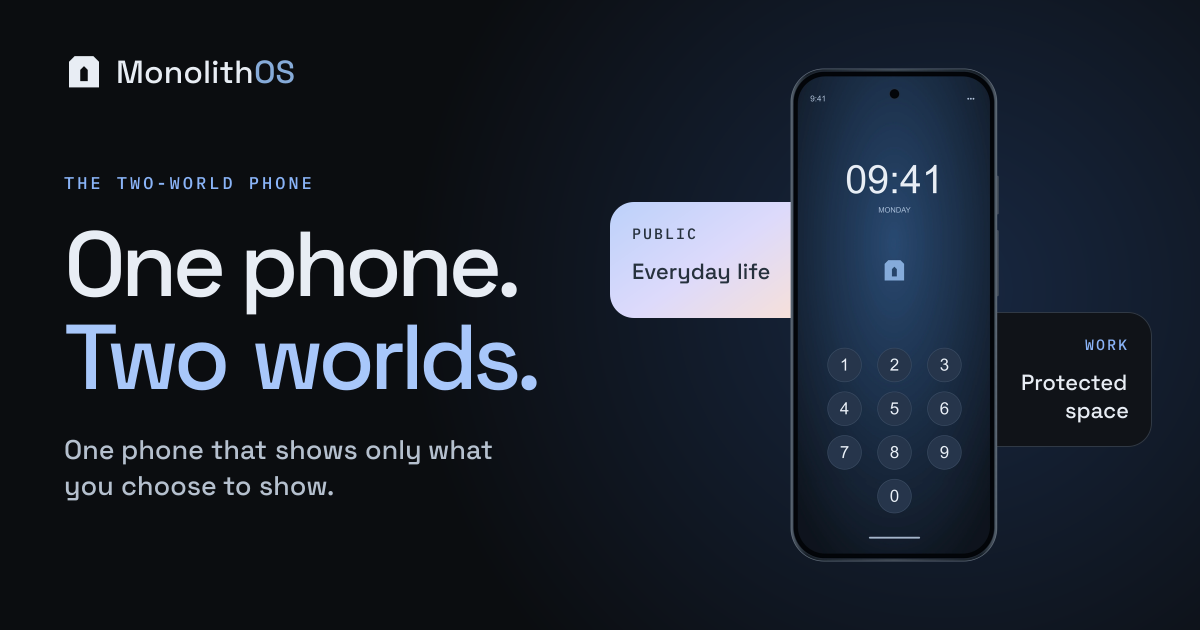
Open the family music account in Public. The board mailbox and documents stay in Work.
Between meetings
The board calendar stops running when Work closes. Open Work to check for invitation updates. If you need a reminder in Public, set one there yourself.
See what your family sees
Open the board viewer in Work, then close Work and check recent apps in Public. The Work viewer stays out of that list.
Keep the family handover simple
Your child asks for the music app while you are waiting for a meeting to start. If the meeting invitation lives in Work, leave it there. Open the playlist in Public and pass over the phone. At the end of the song, return to your meeting account in Work. Start by trying this with a mock board invitation. That lets you check what your calendar, files app and meeting service show before there is a real board pack on the device. For a recurring meeting, review the calendar account once and make the same choice for future invitations.
Common questions
Can I keep a meeting reminder in Public?
Yes, if you choose. A separate time-only reminder can be useful when you are using Public. Keep the title, attendee names and meeting link in the Work invitation if you want those details to stay there. A shared cloud calendar may bring more detail across than you intended.
Can an assistant send documents to the usual account?
Use your normal approved service. Set up its account inside Work and check the app that opens the attachment. If you also sign that same account into Public, the service can display the same files there. Decide where you want the account before adding it twice.
What happens if a family member opens recent apps?
Public has its own recent apps. A presentation you opened only in Work stays out of that list. Documents or messages you independently opened in Public may still appear there, so check your Public accounts the first time you set up a shared routine.