The wrong inbox begins with the wrong environment
Monolith Technologies FZCO · · 6 min read
Five minutes before the presentation
The presentation is ready, the meeting starts in five minutes, and the finance director needs to send one slide to the event organiser. Her phone also holds a confidential version of the same deck, complete with acquisition figures and speaker notes. Both filenames begin with the company name. Both were opened this morning. In a shared recent-files list, the decision takes a fraction of a second. The consequence of selecting the wrong version can last much longer.
This illustrative scene is about the organisation of a digital workspace. MonolithOS gives the director a Public environment for the event and a separate Work environment for the acquisition. The approved presentation belongs in Public. The confidential deck and transaction account belong in Work. That arrangement changes what the ordinary event workflow can reach, because the two environments maintain separate application data, accounts and local files.
Follow the document before following the leak
The confidential deck arrives through the transaction mailbox. The director downloads it, reviews the numbers and saves a marked-up version. A messaging app contains a conversation about the same figures. A photograph of a whiteboard carries the project’s working assumptions. These records are different pieces of the same confidential role, spread across several applications.
On MonolithOS, the director keeps that role in Work. The Work mailbox receives the attachment, the Work viewer opens it, and the Work gallery holds the whiteboard photograph. Public carries the event account and the approved slide. The environment boundary therefore follows the material through the applications used to handle it. At the event, Public’s local file list contains the records placed in Public. The acquisition deck stays in the separate environment where it was received and reviewed. The arrangement addresses the exposure at its source, the coexistence of ordinary and confidential material in the same everyday workflow.
The confidential account behind the attachment
The same mail application can serve several identities. On a conventional shared workspace, those identities may appear together in an account menu, along with suggestions and recent attachments. The director then has to maintain the distinction each time she sends something. MonolithOS allows the application to be installed in Public and Work with separate accounts and separate local app data.
The director’s Public mail app belongs to the event identity. Her Work mail app belongs to the transaction identity. This gives the approved slide a different local route from the confidential deck. The same principle applies to contacts, downloaded files and the app histories attached to each environment. Separate identities become a property of the workspace in which the applications run. For someone switching rapidly between public-facing and confidential tasks, that organisation has practical value. The everyday app context is already the one intended for the task, with the other role held in Work.
The gallery and the handoff stay in their own environment
A gallery can disclose a project as readily as a mailbox. The director may need to show a company photograph to the event organiser while the acquisition whiteboard image remains on the same handset. MonolithOS gives Public and Work separate galleries. Public’s gallery shows Public photographs, while the image saved in Work belongs to Work’s gallery.
That separation is especially useful in situations where someone else is looking at the screen. Opening Public to show an ordinary photograph stays within Public’s collection. The surrounding images, recent apps and local account context remain those of the everyday environment. The product makes this consistent with the document workflow, since both media and application data follow the user environment. The director can keep material relating to the acquisition together in Work instead of relying on a careful search through a shared collection each time she wants to show something unrelated. This is a concrete example of compartmentalisation serving an everyday interaction.
At the event, the director opens Public and finds the approved slide. The organiser sees the presentation that belongs to that environment. Work’s recent applications and usage activity stay out of Public, and Work notifications are not forwarded into it. MonolithOS also keeps a Work user switcher out of Public’s lock screen, Quick Settings and Settings.
These details matter during the handoff itself. The phone may move from a slide to the mail app, then back to the gallery. Each transition remains within Public’s local context. The transaction mailbox and confidential whiteboard image have their place in Work. The director can therefore use one Pixel for the public event and private preparation while maintaining a meaningful separation between them. The product’s benefit reaches beyond choosing the right attachment once. It gives the whole interaction a defined environment, including the apps surrounding the attachment and the account through which it is sent.
Closing the confidential session reduces its active footprint
Before the event, the director had finished reviewing the transaction figures and closed Work. Work apps stop when the environment closes, and closure completes once their local files are locked again. The Power button, screen timeout and Close Work control provide ways to end that session. Public remains available for the event without reopening the private workspace.
A closed Work environment also has a clear message behavior. Its apps are stopped, so waiting messages arrive when Work is reopened and the apps reconnect. The transaction discussion can resume when the director returns to that environment. An active Work call continues with the screen off and survives the Power button, with Work closing after the call if the phone remains locked. These behaviors give the private role a usable daily rhythm. The director can work on the confidential deck, close the session, handle the public event and later return to Work with the project context together.
Intentional transfers still have a destination
The separation provides a structure for keeping material in the right environment. The owner can still deliberately send a file to another account or sign both environments into a service that holds the same documents. If the director emails the confidential deck to the event account, that account now holds a copy. The product’s value is the environment boundary she can use throughout the original workflow.
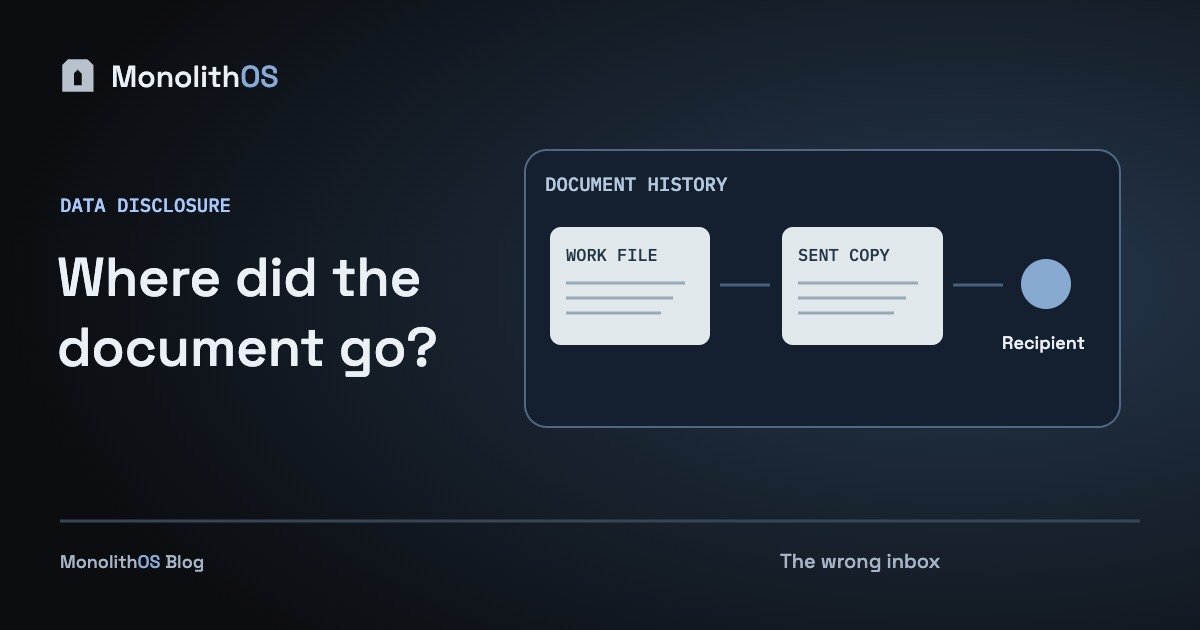
Following the copy gives the discussion precision. A local file in Work belongs to Work’s storage and app context. A file sent to a recipient belongs to that recipient’s copy as well. Closing or removing Work affects the local environment on the handset. It does not recall a document already delivered elsewhere. This scope helps a professional understand how to use the product meaningfully, keeping a confidential identity and its files together rather than treating the phone as a single shared tray for everything. MonolithOS makes that deliberate arrangement practical across apps.
Keep the presentation separate from the transaction
After the presentation, the director opens Work to return to the acquisition. The marked-up deck, project mailbox and whiteboard image are together. Public still has the event account and the approved slide. The same Pixel has served two roles, with separate local contexts for each. The distinction has held through preparation, a public handoff and a return to confidential work.
This is why MonolithOS belongs in a conversation about confidential-document exposure. It gives sensitive work a separate environment at the operating-system user level, then makes that environment easy to open and close. Restricted defaults add another useful control, new Work apps begin with Network and Sensors off, so those capabilities can be enabled deliberately for the task. The combination supports a private workflow with its own accounts, files and session. For the director, the practical gain is a phone whose everyday presentation workflow stays within the everyday environment while confidential work keeps its own place.