Phone privacy when someone pressures you to unlock it
Monolith Technologies FZCO · · 7 min read
When a meeting becomes a demand for access
The meeting has finished, but the conversation has changed. A consultant has spent the afternoon discussing an acquisition. Someone across the table asks to look at a message confirming when the participants arrived. She opens it. Then comes a second request, followed by an insistence that she show the rest of her inbox. Her phone contains personal correspondence, travel bookings and a private account used for the transaction. The request has become pressure to give someone a broader view of her digital life.
This illustrative scenario captures a problem MonolithOS was built to address. The consultant’s phone serves several roles, and the environment she opens determines which one is available. Public carries her everyday accounts. Work holds the acquisition identity, its conversations and its downloaded files. Her Public PIN opens a useful, complete phone environment, while Work remains separate. The distinction has been established before the meeting begins, in the architecture of the phone and the way she has arranged her accounts.
The exposure begins before a document opens
The person across the table knows that a conversation exists, but the consultant’s phone carries much more than that exchange. A contact name can identify a participant in the acquisition. A recent attachment can reveal the company being evaluated. A photograph can connect a private meeting to a place and date. The pressure to browse an inbox is therefore also pressure to expose the surrounding context of a confidential role.
In the consultant’s MonolithOS setup, Public contains her ordinary mailbox and the calendar entry for the meeting. Work holds the acquisition mailbox, transaction documents and the separate messaging identity used by the deal team. These apps run in separate Android user environments, with separate app data and accounts. The message she has opened belongs to Public. Continuing through that app reaches Public’s local context. The acquisition identity has its own environment, and access to the everyday phone has a defined scope throughout the encounter.
One lock screen, a deliberate choice of environment
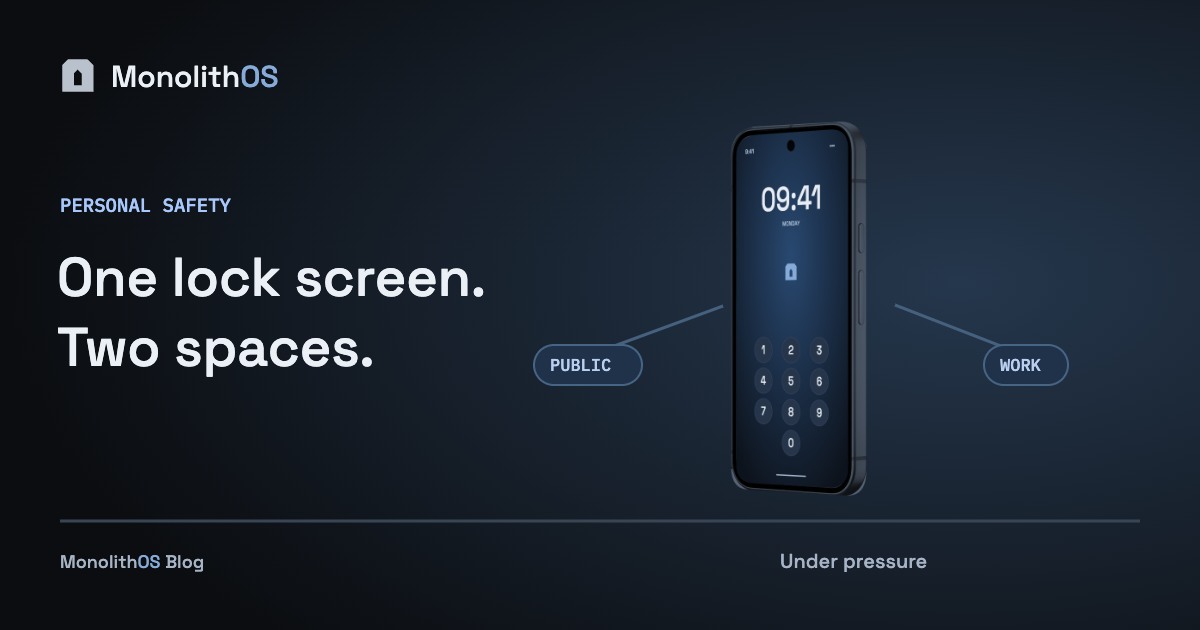
MonolithOS presents the same lock screen for Public and Work. The PIN the consultant enters determines which environment opens. Public has no user switcher in the lock screen, Quick Settings or Settings through which another person can browse to Work. Her ordinary apps appear without a Work profile badge or a second environment listed alongside them.
This matters in a conversation that moves quickly. She can find the meeting message in Public without first navigating an account selector that exposes her other role. Work’s recent apps, notifications and usage activity stay outside Public. The interface supports a practical distinction between showing something on the phone and opening the private environment used for the acquisition. The feature concerns what Public presents and can access. Claims about resistance to specialist device examination require their own evidence. MonolithOS’s everyday value here is concrete, an unlocked Public environment gives access to the apps and data she placed in Public.
Separate identities have to reach the app data
A second icon would do little for the consultant if both icons opened the same account or indexed the same files. MonolithOS separates the environment underneath the apps. She can use the same application in Public and Work with different accounts, separate local histories and separate downloads. The Public gallery shows Public photographs. A photograph saved in Work belongs to Work’s gallery.
That design allows a private identity to remain coherent. The transaction account, its contacts and its supporting files can stay together in Work. Public can continue to carry the everyday correspondence she needs outside the project. In a pressured interaction, opening the ordinary gallery or a recent document in Public therefore stays within that environment’s records. The account choices still matter. Signing both environments into the same cloud mailbox would deliberately make that mailbox available in each. MonolithOS provides the separation in which distinct accounts can operate, and the consultant uses it to keep the acquisition identity distinct from her everyday one.
Closing Work changes the state of the private environment
Before the meeting, the consultant finishes reviewing the acquisition brief and closes Work. MonolithOS stops the Work apps and completes closure once Work’s local files are locked again. This gives the private environment a meaningful end to the session. It also explains why the phone can remain useful in Public while the project files are closed.
Work can close through the Close Work tile, the Power button or screen timeout. The experience fits the normal rhythm of using a phone. An active call in a Work calling app continues with the screen off, and pressing Power does not end it. If the phone stays locked, Work closes after the call ends. Outside that call behavior, closing the environment stops its apps. Messages waiting for a closed Work app arrive when Work is reopened and the app reconnects. In the consultant’s meeting, Work is closed, so the private conversation is also outside the active app session while she uses Public.
Control when the conversation changes
Some circumstances call for more than keeping a private environment closed. MonolithOS includes a Duress PIN option that removes Work, as well as a power-menu action to remove Work or reset the phone. These are choices about the local device and its contents. The public-facing description stays at that level because the benefit is the action available to the owner.
For the consultant, removing Work means removing the local environment that contains the acquisition account and its files. That has a different purpose from opening Public while leaving Work closed. Closure retains the private environment for later use. Removal deletes that environment from the phone. The distinction deserves a deliberate decision when setting up the device. A file already shared with another participant remains in that participant’s possession. Keeping the scope clear makes the removal feature understandable and useful without attaching a promise about every copy of the information. MonolithOS gives its owner control over the private space on the handset.
A practical boundary that lasts beyond the meeting
When the exchange ends, the consultant still has an everyday phone. Public holds the travel booking, personal account and ordinary messages she uses for the rest of the day. When she next needs the acquisition materials, her Work PIN opens the separate environment. She can resume the project with its accounts and local records together, without turning Public into an extension of the transaction workspace.
That continuity is important. A privacy feature has to fit the periods between sensitive moments as well as the moments themselves. MonolithOS lets the consultant keep the two roles on one Pixel, choose which environment opens, and close the private session when she has finished. Its GrapheneOS foundation supports the operating system’s protection, while the Public and Work experience makes that protection part of ordinary use. The reason to consider MonolithOS in this scenario is specific. It reduces how much of a private role becomes available when an everyday environment is unlocked, with separate accounts, separate files and an owner-controlled private session.
Managing the phone after the meeting
The MonolithOS Client Portal extends that local control when the owner no longer has the phone in hand. It provides Remove Work and factory-reset commands through MonolithOS’s own built-in management. The first targets the private environment. The second resets the device. A remote command needs a device connection to execute, so submitting a command and confirming its execution are separate events.
For a professional who carries sensitive accounts, those actions give the device a lifecycle beyond the immediate unlock decision. She can use Public and Work day to day, close the private environment between sessions, and use management if the phone is lost or no longer under her control. Each feature has a defined job. Together they explain the product’s purpose more clearly than a broad promise of phone security. MonolithOS gives separate digital roles a separate place to live, with discreet access and practical control over the private environment.